 PicSwipe
The swipe photo cleaner that clears your iPhone camera roll in minutes
Swipe left to delete, swipe right to keep. PicSwipe groups your photos by month so you can wipe out duplicates, screenshots, and blurry shots — and free up gigabytes of storage — without hours of scrolling.

Clean up your camera roll in three swipes
PicSwipe turns photo cleanup from a chore into a card game. Your library is automatically organized by month and year, so every session has a clear start and finish.
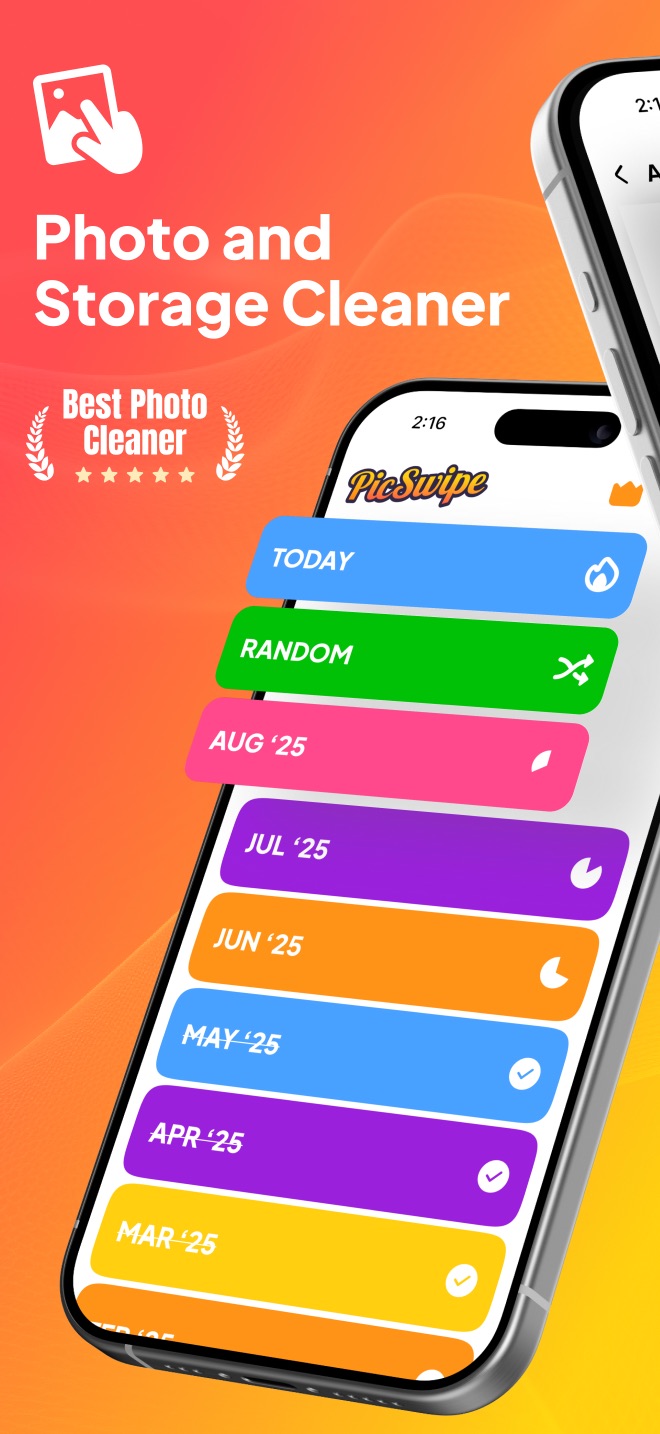
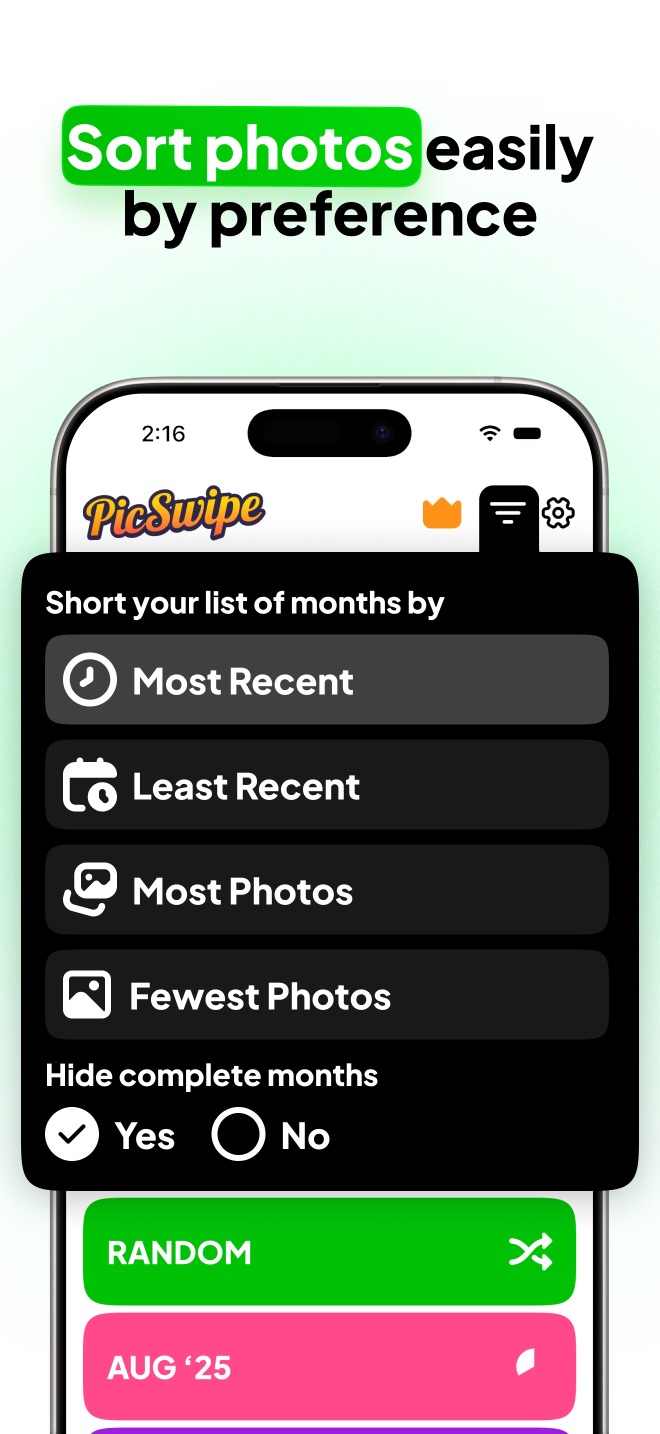
Pick a month
Your photos are grouped by month and year, with progress rings showing how far you've gotten. Start with the messiest month or hit Random for a surprise.
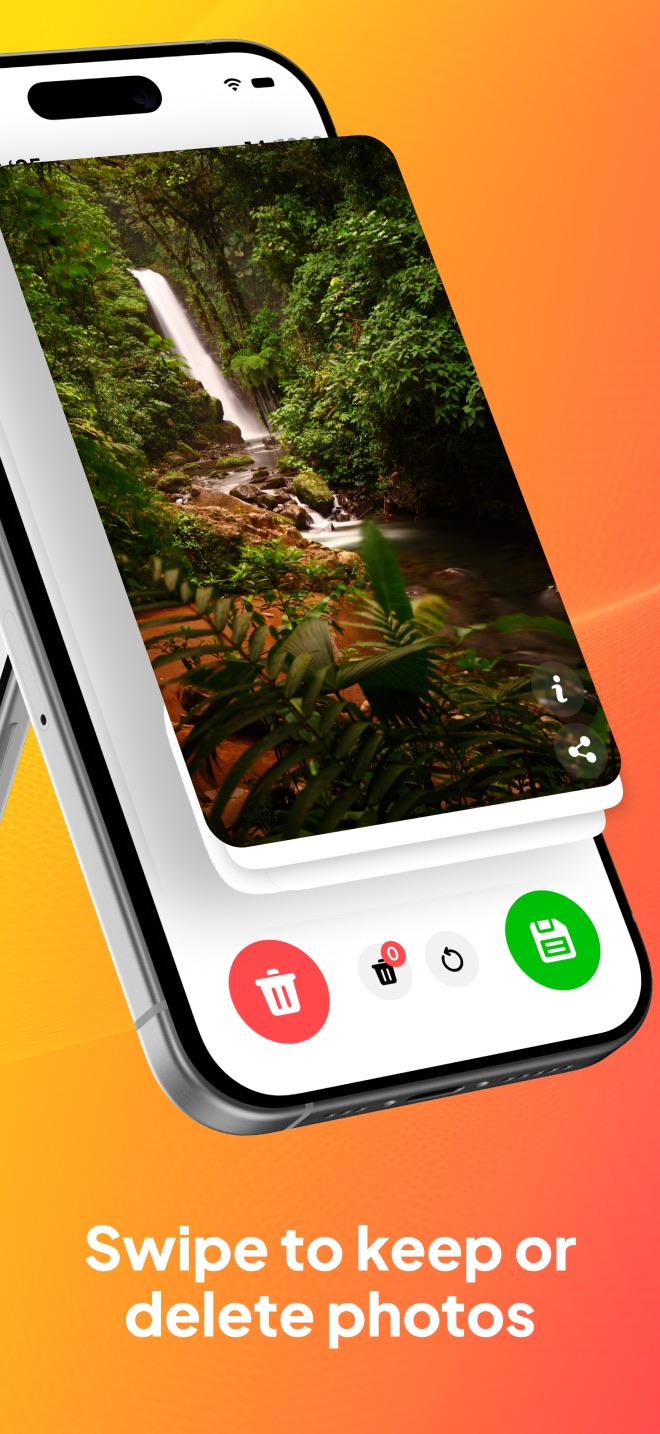
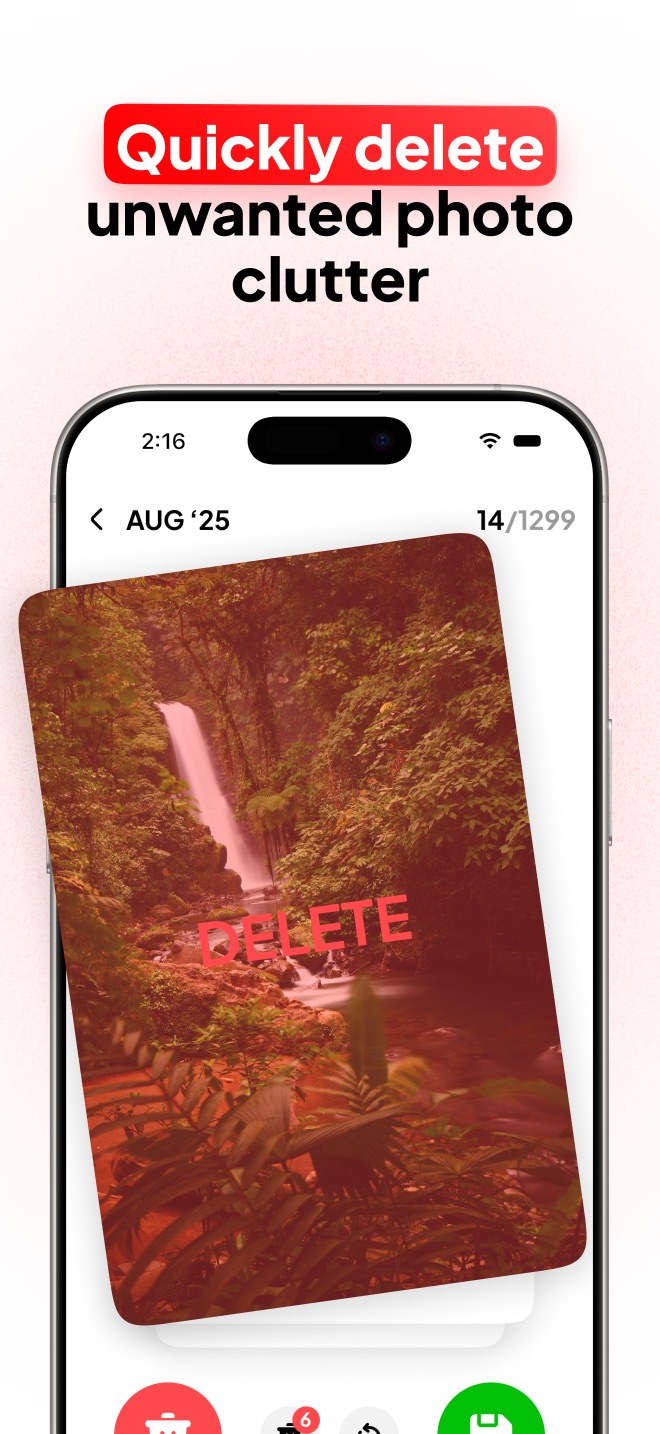
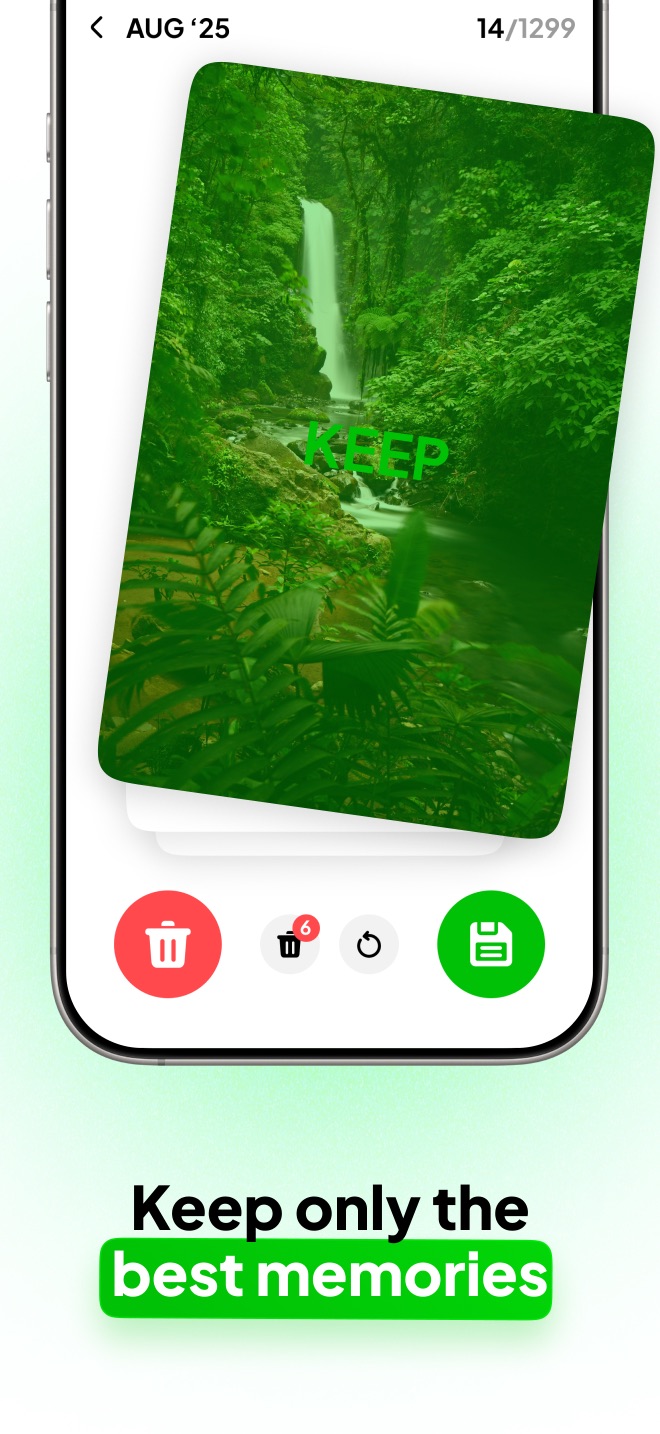
Swipe to decide
Swipe left to delete a photo, swipe right to keep it. Changed your mind? Tap undo. Each photo takes half a second — a month takes minutes.
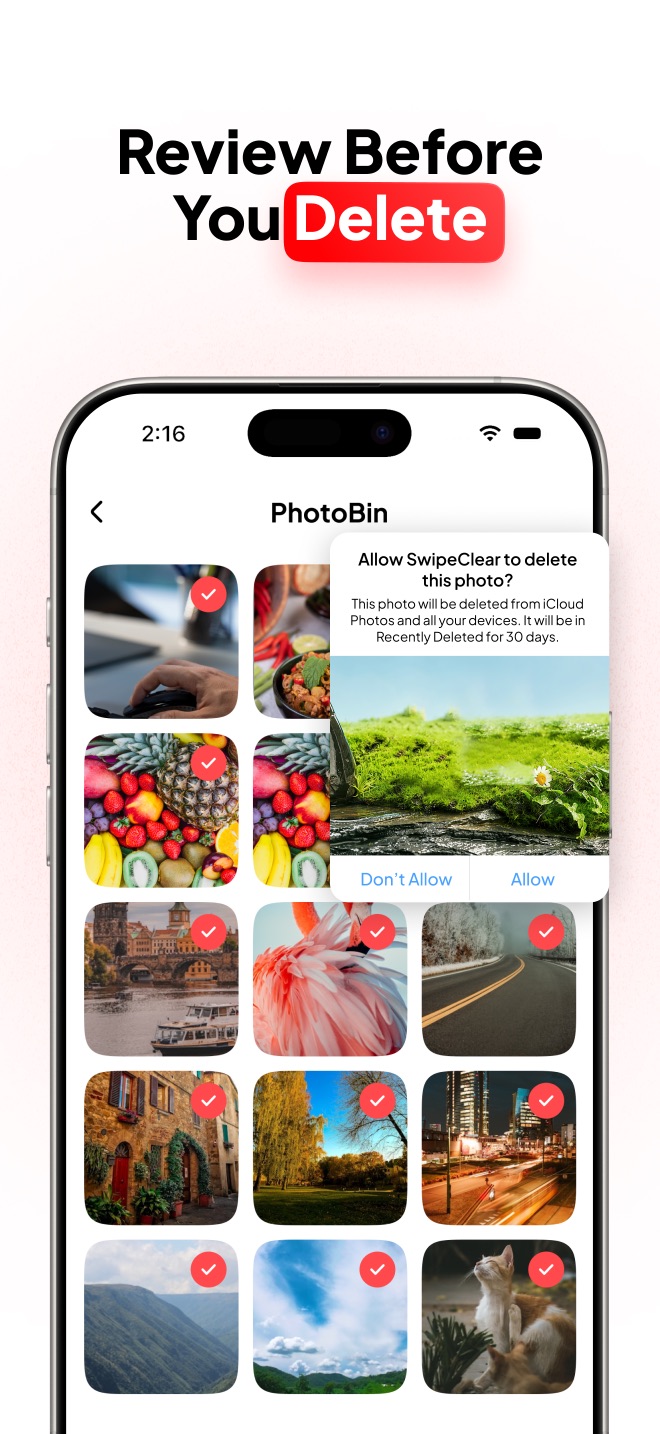
Empty the PhotoBin
Deleted photos wait in the PhotoBin for one final review. Restore anything you want back, then permanently delete the rest and watch the storage-saved counter climb.
See PicSwipe in action
A clean, fast interface built around one idea: deciding what to keep should feel effortless.
Everything you need to declutter — nothing you don't
PhotoBin safety net
Every deleted photo goes to the PhotoBin first. Restore it with a tap or delete it permanently — you'll never lose a photo by accident.
On This Day memories
See the photos you took on this exact date in past years. Cleaning your library becomes a trip down memory lane.
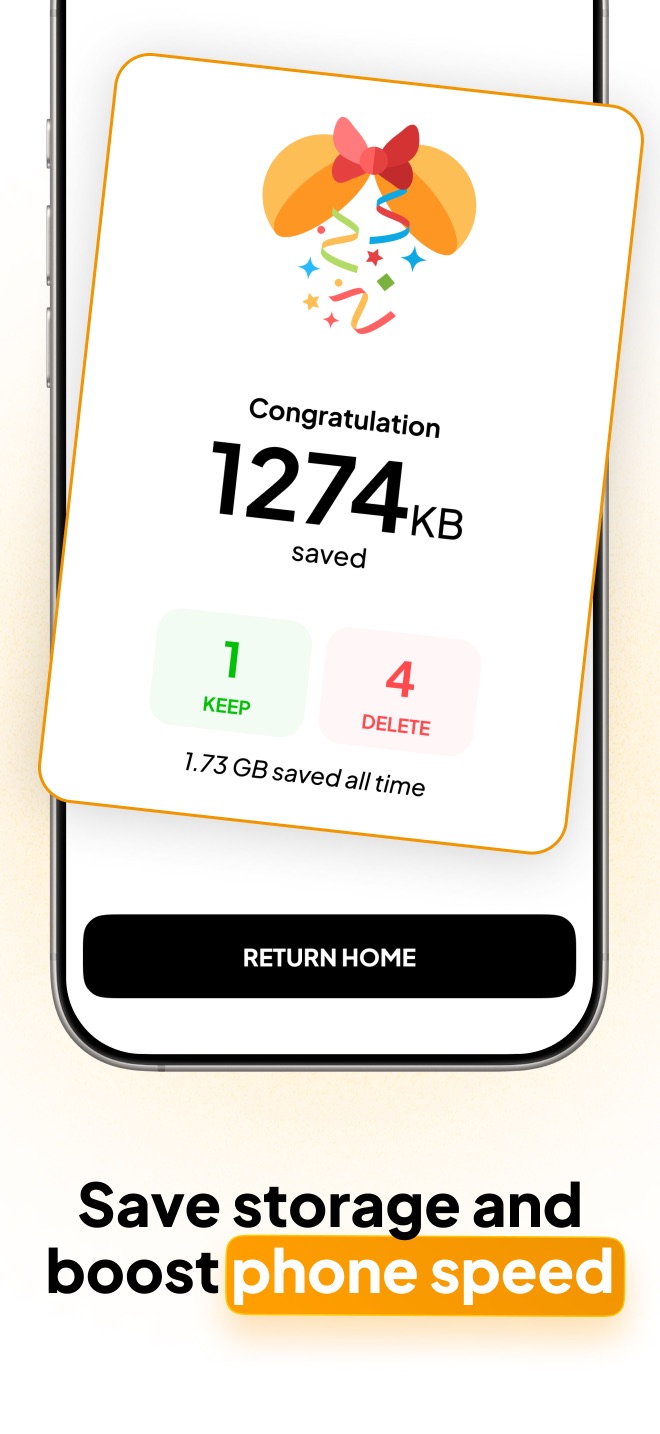
Storage saved tracker
Watch the megabytes add up after every session, with an all-time counter of the total space you've reclaimed.
Private by design
All processing happens on your iPhone. Your photos are never uploaded anywhere, and the app works fully offline.
Photo cleanup guides
Practical, step-by-step answers to the most common iPhone photo problems — and how to solve them faster with a swipe.
The app that lets you swipe to delete photos
Looking for "Tinder for your camera roll"? Here's how swipe-to-delete works.
DuplicatesHow to delete duplicate photos on iPhone
Find and remove duplicate and near-duplicate shots for free.
Bulk deleteHow to mass delete photos on iPhone
Clear hundreds or thousands of photos quickly and safely.
StorageHow to free up iPhone storage without losing photos
Fix the "iPhone Storage Full" warning while keeping what matters.
iCloudDelete photos from iCloud but not iPhone
Why sync deletes everywhere — and how to separate them safely.
Camera rollHow to clean up your camera roll fast
A simple monthly system for a permanently tidy photo library.
ScreenshotsHow to delete screenshots on iPhone
Wipe out old screenshots in one focused session.
Blurry photosHow to find and delete blurry photos
Spot and remove blurry, dark, and accidental shots quickly.
RecoveryHow to delete photos safely (and undo mistakes)
How the PhotoBin and Recently Deleted keep your memories safe.
OrganizationHow to organize iPhone photos by month
Turn an endless camera roll into tidy monthly collections.
ComparisonThe best photo cleaner app for iPhone in 2026
What to look for in a photo cleaner — and how PicSwipe compares.
AlternativesSwipeWipe alternative: cancel and switch
How to cancel the subscription and what to check before switching.
Frequently asked questions
Quick answers about how PicSwipe cleans your photos. See the full FAQ for more.
How do I delete photos fast on my iPhone?
Open PicSwipe, pick a month, and swipe left on every photo you don't want. Photos land in the PhotoBin, where one tap deletes them all permanently. It's the fastest way to clear a month of clutter. Learn more →
Is PicSwipe free?
Yes — PicSwipe is free to download and use. An optional premium subscription unlocks extras like instant PhotoBin access at any time. Learn more →
Are my photos uploaded to a server?
No. Everything happens on your device. Your photos are never uploaded to any server or cloud, and PicSwipe works completely offline. Learn more →
What happens when I swipe left to delete a photo?
It moves to the PhotoBin — a safety net inside PicSwipe. You can restore it with a tap or delete it permanently after reviewing. Nothing is removed from your library without your confirmation. Learn more →
Can PicSwipe help me free up storage?
Yes. Deleting duplicates, screenshots, and blurry photos typically frees several gigabytes. PicSwipe shows exactly how much space you save after every session. Learn more →
Does it find duplicate photos?
PicSwipe shows your photos month by month in full-screen cards, so duplicates and burst shots appear back-to-back — making them easy to spot and swipe away in seconds. Learn more →
Free up gigabytes today
Download PicSwipe free and clean your first month of photos before your coffee gets cold.