 PicSwipe
Every camera roll hides a shadow library: motion-blurred group photos, dark restaurant shots, accidental captures of the floor. They survive every cleanup because blur is invisible at thumbnail size — a fuzzy photo looks perfectly fine as a tiny square in the grid. Finding them means viewing photos full-screen, and that's exactly what swipe cleaning does by default.
Why blurry photos evade the Photos app
Apple's Photos app has no “blurry” filter, and its grid view actively conceals the problem — thumbnails are too small to reveal soft focus. Checking each photo means tap, inspect, back, tap, inspect, back… a workflow so tedious nobody sustains it past twenty photos. So the blurry shots stay, at 2–8 MB apiece, year after year.
The full-screen swipe method
In PicSwipe, every photo appears as a full-screen card — blur, noise, and bad exposure are obvious the instant a card appears:
- Open PicSwipe and pick any month (or hit Random to sample your library).
- Judge each card as it appears: sharp and worth keeping → swipe right; soft, dark, or accidental → swipe left.
- Burst sequences show up back-to-back, so it's easy to keep the one sharp frame and drop the misfires around it.
- Review the PhotoBin and permanently delete. The session summary shows the storage you clawed back.
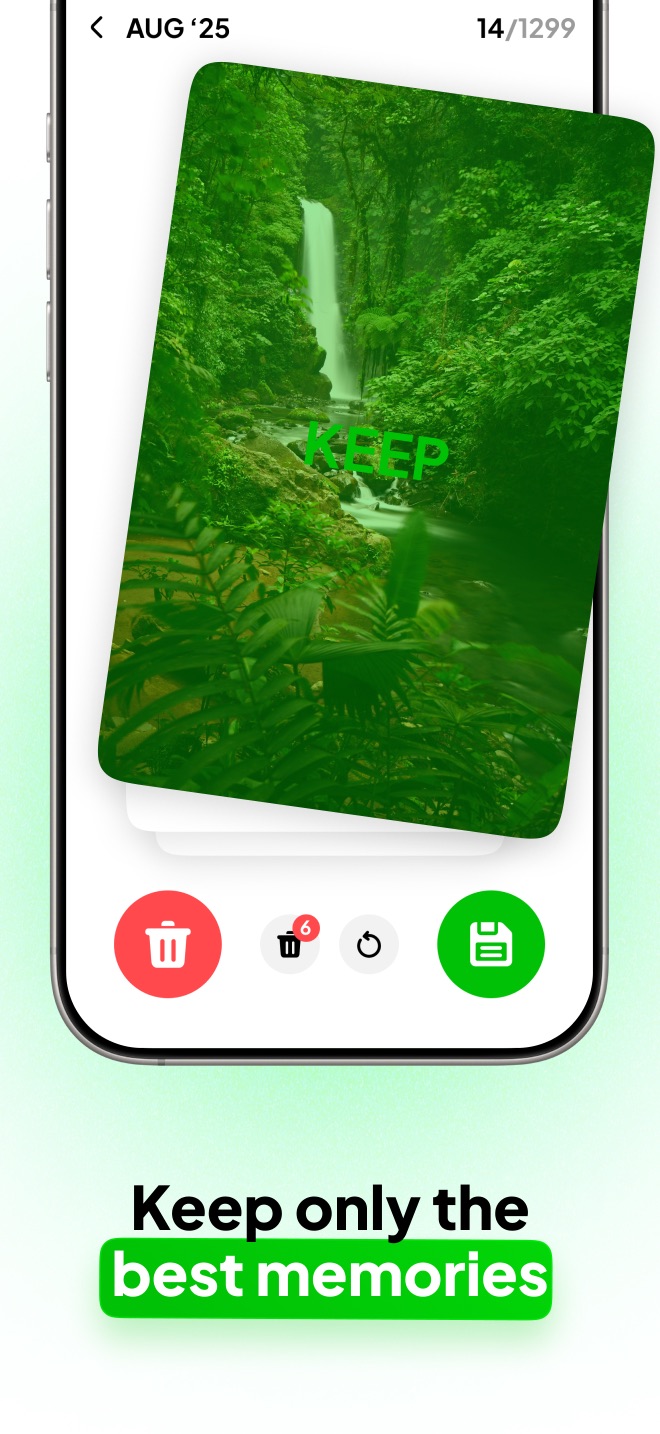
See every photo full-screen
Blur can't hide from a full-screen card. Swipe the misfires away and keep the sharp ones.

A realistic before-and-after
In a typical 400-photo month, expect 30–60 shots that fail the full-screen test — blur, darkness, or pure accident. That's 100–400 MB per month, or 1–5 GB per year, from photos you would never miss. Swipe through a few months tonight and check the all-time savings counter; the number is usually motivating enough to finish the rest of the library.
Frequently asked questions
Why do blurry photos stay on my iPhone for years?
Because thumbnails hide blur. In the Photos grid a blurry shot looks fine at small size, so it never gets deleted. You only notice blur when a photo is viewed full-screen — which is exactly how a swipe cleaner shows every photo.
Can the iPhone automatically detect blurry photos?
The Photos app doesn't offer a blurry-photo filter. Some cleaner apps attempt automatic blur detection, but they can't tell an artistic motion shot from a mistake — reviewing full-screen with a swipe keeps you in control and is nearly as fast.
What types of photos should I delete along with blurry ones?
Accidental pocket shots, photos of the floor or ceiling, badly underexposed shots, and the out-of-focus frames around every good burst photo. Together they typically outnumber true keepers in any given month.